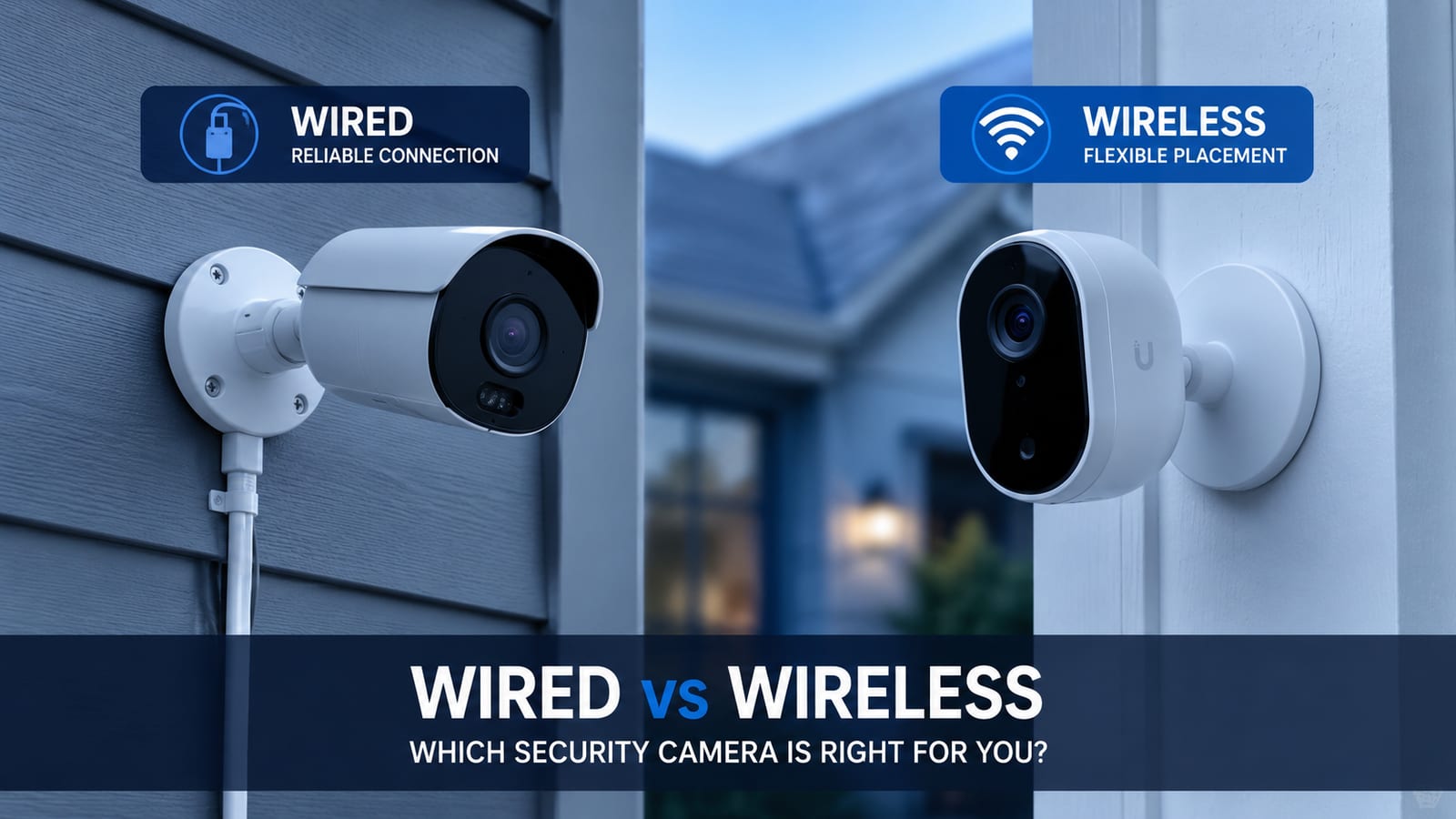
If you’ve spent any time comparing security cameras, you’ve probably noticed the wired-vs-wireless question comes up before almost anything else — before brand, before resolution, before price. That’s because it’s the decision that determines how reliable your system is, how it holds up outdoors, and what it actually costs once you count everything.
This isn’t a “wireless is bad” or “wired is better” article. Both are legitimate choices. The right one depends on the camera’s location, how long you plan to keep it there, and how much you value not thinking about it again after installation.
The Quick Answer
If you only read one section, read this one.
| Wireless Cameras | Wired (PoE) Cameras | |
|---|---|---|
| Upfront cost per camera | Lower — camera only | Higher — camera + cable run + NVR share |
| Installation | Adhesive mount or a couple of screws, DIY-friendly | Cable run required, usually professional install |
| Power source | Battery or plug-in, needs recharging or swapping | Continuous power through the cable, no battery |
| Signal dependency | Needs a strong Wi-Fi signal at that exact spot | None — video runs over the cable |
| Mount durability outdoors | Adhesive can weaken in heat and direct sun over time | Screwed-in bracket, no adhesive to fail |
| Ongoing cost | Often a monthly cloud subscription | Usually none — records locally to an NVR |
| Best for | Renters, temporary coverage, spots close to the router | Long-term homeowners, driveways, gates, ADUs, detached garages |
Now let’s get into why each of these rows is true, because the reasons matter more than the summary.
How Each System Actually Sends Video
A wireless camera captures video and transmits it over your home’s Wi-Fi network to the cloud, an app, or local storage. Power comes from a battery you recharge or swap, or from a plug-in adapter — either way, there’s no cable carrying data.
A wired camera, specifically a PoE (Power over Ethernet) camera, runs a single Cat5e or Cat6 cable from the camera to a central NVR (network video recorder). That one cable carries both power and video data. Wi-Fi isn’t involved in getting the footage to the recorder — it only comes into play if you want to check the live feed from your phone away from home.
If you want the deeper breakdown of local storage, NVRs, and subscription-free recording, we covered that in detail in our guide to security cameras without a monthly fee. This post focuses on the decision that comes before that one: which type of camera to put up in the first place.
Installation: Adhesive Mount vs. Hardwired
This is where the two options are most different in practice, and it’s the part homeowners underestimate.
Wireless cameras are designed to go up fast. Many come with an adhesive backing or mounting pad — press it against the wall, and it holds. Some are heavier duty, screwed to a small bracket, but a large share of the wireless cameras sold for quick DIY installs rely partly or entirely on adhesive.
The problem is that adhesive is a chemical bond, and chemical bonds respond to temperature. Sustained heat softens most adhesives, and direct UV exposure breaks them down further over months of outdoor use. A camera mounted on a west-facing or south-facing wall — which describes a huge share of homes in Los Angeles — can sit in direct, intense sun for several hours every afternoon. An adhesive pad that felt rock-solid on installation day can be noticeably weaker by the following summer.
This doesn’t mean every wireless camera falls off. Higher-quality mounting tape (the kind rated for permanent outdoor use, not the pad included in the box) holds up better, and a camera mounted somewhere shaded performs differently than one in full sun. But it’s a real failure mode, and it’s one that doesn’t exist with a bracket and screws.
Wired cameras are mounted with screws into the wall, fascia, or a bracket, the same way they’d be installed in a commercial building meant to run for a decade without maintenance. There’s no adhesive to weaken, no bond to fail. The tradeoff is the cable — someone has to run it from the camera’s location back to the NVR, which usually means drilling through a wall, running conduit, or routing cable through an attic or crawl space. That’s why wired installs are almost always done by a professional rather than as a weekend DIY project.
Signal Reliability: Wi-Fi Range vs. a Dedicated Cable
A wireless camera is only as good as the Wi-Fi signal at the exact spot it’s mounted. If that location is close to your router, it likely performs fine. If it’s at the end of a long driveway, on a detached garage, over a gate, or on a hillside lot with concrete or stucco walls in between, the signal can weaken enough to cause lag, dropped connections, or a camera that silently stops sending alerts.
A wired camera doesn’t have this problem because the cable carries the signal directly — there’s no wireless hop to lose strength over distance. This is the main reason detached structures, gated entries, and larger properties are usually better served by wired cameras, even though the installation takes more work upfront.
Battery life is the other reliability factor worth knowing about. Wireless cameras that rely on motion-triggered recording to save battery can miss the first second or two of an event while they power on, and battery levels drop faster in cold weather or with frequent motion in high-traffic areas. Wired cameras run on continuous power through the cable, so this isn’t a concern — they can record continuously without worrying about battery drain.
The Real Cost Comparison
Sticker price tells an incomplete story here. The full picture has three parts: the camera itself, the installation, and what you pay every month afterward.
Camera hardware. Individual wireless cameras typically run $30–$100 each. Wired cameras cost more per unit once you factor in the NVR they connect to, often landing in the $150–$500+ range per camera including a share of the recorder.
Installation labor. For a wireless setup, installation is often close to free if you’re comfortable doing it yourself, or in the neighborhood of $100–$250 per camera if you hire it out. Wired installation costs more because of the cable run — typically $100–$500 per camera depending on how far the cable has to travel and how difficult the walls or attic access are. A full four-camera system lands around $400–$1,000 installed for wireless versus $500–$1,500 installed for wired.
The part people forget: ongoing cost. Most wireless cameras are built around a cloud subscription for full functionality — commonly $3–$10 per month, per camera. A four-camera wireless system can run $150–$400 a year in subscription fees alone. Wired NVR systems typically record locally with no monthly fee at all.
Run that forward three years, and the numbers flip. The wired system that cost more to install often ends up costing less overall — sometimes by a factor of two to four — because there’s no recurring bill stacking up every month. Wireless wins on day one. Wired tends to win by year two or three.
Which One Should You Actually Choose?
A few quick guidelines, based on what we see most often installing both types across Los Angeles properties:
Choose wireless if:
- You’re renting and can’t drill or run cable
- You need coverage at one specific spot quickly, close to your router
- The location is temporary — a short-term rental, a property you’re about to sell, a seasonal need
- You’re comfortable with a monthly subscription for full features
Choose wired if:
- You own the home and plan to stay for years
- The camera needs to cover a driveway gate, detached garage, ADU, or another structure separate from the main house
- The mounting location gets direct afternoon sun (adhesive durability is a real concern here)
- You want to avoid a subscription and record everything locally
- The spot is far enough from your router that Wi-Fi reliability is a question mark
A hybrid setup often makes the most sense. It’s common for a property to use wired cameras at the highest-priority locations — the gate, the driveway, the detached garage — and add one or two wireless cameras somewhere less critical or added later. Most systems can manage both from a single app, so this isn’t an either-or decision for the whole property.
How NaMiSmart Installs Home Security Cameras
We install both wired and wireless security camera systems for homeowners across Greater Los Angeles, the San Fernando Valley, Ventura County, Orange County, Santa Clarita, Lancaster, Palmdale, and surrounding areas — and we’re upfront with every homeowner about which option actually fits their property instead of defaulting to whichever is easier to sell.
For most residential installs, that means:
- Walking the property to identify which locations need a hardwired camera (gates, driveways, detached structures, direct-sun mounting spots) versus where a wireless camera is genuinely sufficient
- Running Cat6 cable cleanly, with proper conduit and weatherproofing, for every wired camera
- Mounting with brackets and screws rather than relying on adhesive, even for the cameras that support it
- Setting up a central NVR for local recording with no subscription required
- Configuring remote viewing on your phone regardless of which camera types are on the system
We work with residential-grade platforms like Reolink, Amcrest, and UniFi Protect, and can advise on which brand and camera type fits your budget and property layout.
Contact us to walk through your property and get a straight answer on which cameras belong where — not a one-size-fits-all recommendation.
FAQ
Are wireless security cameras as reliable as wired ones?
Not quite, and the gap shows up in two specific ways: they depend on a Wi-Fi signal reaching the mounting location, and most rely on adhesive mounts or batteries that degrade faster outdoors than a hardwired, screwed-in camera. For covering the front door or a spot close to the router, wireless is reliable enough for most homeowners. For long driveways, detached garages, or hillside properties, wired cameras hold up better over time.
Do adhesive-mounted cameras really fall off in the heat?
It happens more than most people expect, especially in Los Angeles. Adhesive strength breaks down under sustained heat and direct UV exposure, and a west- or south-facing wall in LA can sit in full sun for hours in the afternoon. A camera that felt secure at installation can loosen months later. Screwed-in mounting brackets don’t have this failure mode at all.
How much more does a wired security camera system cost than wireless?
Upfront, wired systems typically cost more — mainly because of installation labor for running cable, not the cameras themselves. Wireless cameras are usually cheaper to buy and quicker to put up. But wireless systems commonly carry a monthly cloud storage subscription, while most wired NVR systems record locally with no ongoing fee. Over two or three years, that recurring cost often makes wireless the more expensive option overall.
Can I mix wired and wireless cameras in the same system?
Yes. This is one of the most common setups we install. A property might use wired cameras at the gate, driveway, and detached garage — the spots where reliability matters most and running cable is practical — with one or two wireless cameras added later for quick coverage somewhere else. Most NVR systems and apps can manage both from a single interface.
Which is better for a rental property, wired or wireless?
Wireless usually makes more sense if you don’t own the property or plan to move. It doesn’t require drilling, running cable, or any permanent modification, and you can take it with you. Wired systems are a better long-term investment when you own the home and plan to stay, since the higher upfront cost is offset by no subscription fees and a more permanent, reliable install.
Do wired security cameras need Wi-Fi at all?
No. A wired PoE (Power over Ethernet) camera sends video to the NVR over the cable itself, not over Wi-Fi. Your home network is only involved when you want to view footage remotely from your phone. This is why wired cameras keep recording even during a Wi-Fi outage or in a part of the property where the wireless signal is weak.