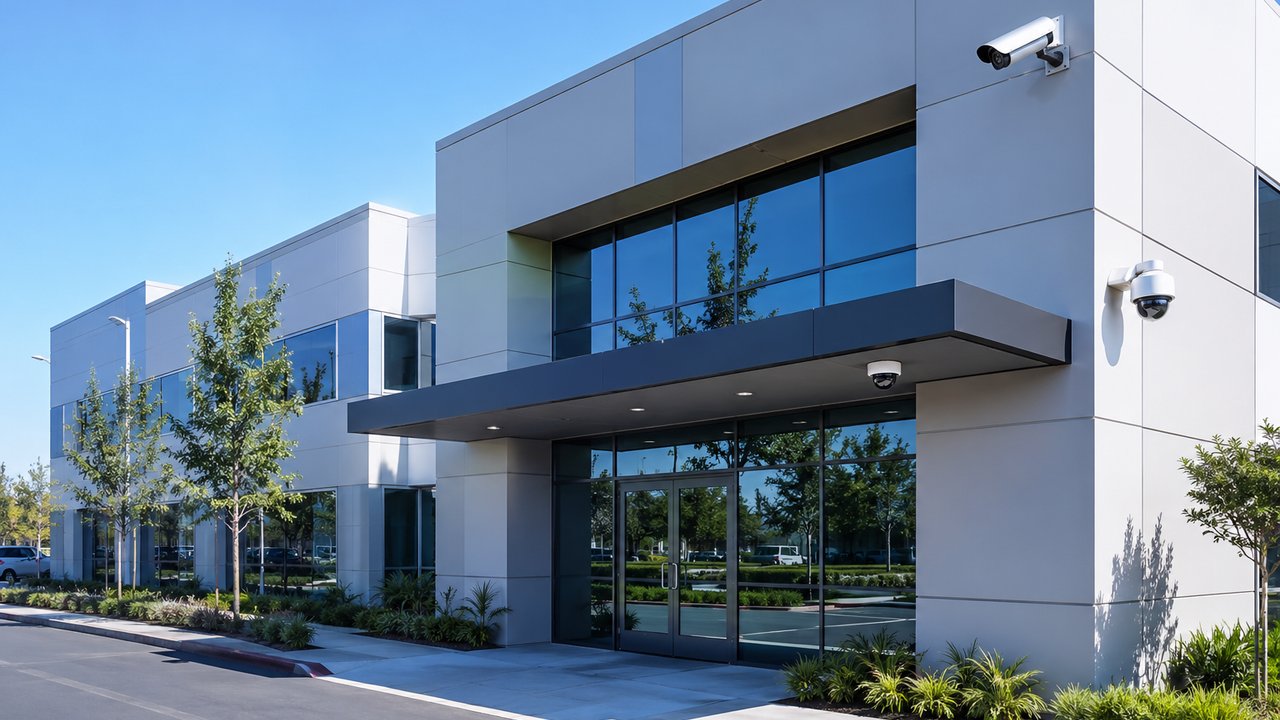
We get a version of this question a lot: “How many keys are floating around out there right now, and does anyone actually know?”
Most business owners can’t answer it with confidence. Keys get copied, employees leave and don’t return them, and a lock rarely gets changed until something actually goes wrong. It’s not negligence — it’s just what happens when a building relies on physical keys as its only line of entry control.
Door access control replaces that guesswork with something you can actually see and manage. Here’s what it is, how it pairs with the cameras you may already have, and how to know if it’s worth adding.
What Door Access Control Actually Is
Door access control covers a range of hardware, from a single keypad on a back door to a full multi-door system managed from a phone:
- Card readers & keypads — badge in with a card, fob, or code; scales from a single door to a full building
- Mobile credentials — phone-based access instead of (or alongside) a physical card
- Video intercoms & gate entry — see and buzz in visitors from a phone or wall-mounted panel, residential or commercial
- Multi-door management — one app or dashboard controlling every door, rather than a separate system per entrance
All of it shares one property that a physical key doesn’t: every entry is logged. You know who came in, and when.
The Problem With Relying on Keys Alone
Physical keys have a quiet failure mode — they work fine right up until they don’t.
- A former employee’s key never got returned, and nobody remembers if the lock was ever changed
- A key gets copied without anyone knowing, let alone approving it
- A shared door code hasn’t changed in years, and half the people who know it no longer work there
- There’s no record of who actually entered a building after hours, only a guess
None of this shows up as a problem day to day. It shows up the day something goes missing, or after hours, when you need to know who was in the building and there’s no way to answer that.
Cameras and Access Control, Designed Together
Door access control is most useful when it isn’t a standalone system. On its own, a card reader tells you a valid credential was used. Paired with a camera at the same door, you get the fuller picture — who actually used it, and what happened right after.
That pairing is why we install access hardware and cameras together rather than as separate projects. Where the platforms support it — UniFi Access alongside UniFi Protect, for example — access events and camera footage can line up directly, so reviewing “who badged in at 11:47 PM” doesn’t mean scrubbing through hours of unrelated footage.
We cover this in more depth on our security camera systems page, including how we design the two together rather than bolting one onto the other after the fact.
Signs Your Business Could Use It
You don’t need every sign below to apply — one or two is usually enough to make the case.
- You’re not sure how many keys or fobs are out there, or who currently has one
- Former employees may still have working keys or codes that were never deactivated
- A shared door code hasn’t changed in a long time, and turnover means plenty of people who shouldn’t still know it, do
- You want a record of who enters and when, not just a locked or unlocked door
- You have a gate, loading area, or secondary entrance nobody’s watching closely
- You’re already adding or upgrading cameras and the door hardware never got looked at in the same pass
If that list sounds familiar, it’s usually less about a specific incident and more about the fact that nobody’s had a reason to revisit it — until now.
Business vs. Residential: Different Scale, Same Idea
The hardware and design process are similar whether it’s a business or a home — what changes is scale and use case.
For businesses, that usually means multi-door systems, credential management for staff turnover, and integration with existing cameras and network infrastructure. For homes, it’s more often a video intercom at the front door or a gate entry system for a driveway — letting you see and buzz in a visitor from a phone instead of walking outside.
Either way, the access hardware runs on the same kind of network as your cameras and Wi-Fi, which is why it’s worth planning together rather than adding it as an afterthought.
Common Mistakes We See
- Installing access control as a standalone system with no connection to existing cameras or network gear
- Never removing former employees’ credentials after they leave
- Sharing a single code among an entire staff, with no way to tell who actually used it
- Adding a reader or keypad without checking whether the network behind it — power, cabling, switch capacity — can actually support it
- Treating gates and secondary entrances as an afterthought while the front door gets all the attention
Most of these aren’t hard to avoid. They just require planning access control as part of the same system as everything else, instead of a one-off purchase.
How NaMiSmart Approaches Door Access Control
Door access hardware is one of the systems we cover in a free IT infrastructure assessment alongside cameras, Wi-Fi, switches, firewalls, and cabling — because a reader or intercom is only as reliable as the network behind it. We wrote more about why that matters in 5 signs your business needs an IT infrastructure upgrade, where outdated or disconnected door access hardware is one of the most common findings.
That process typically looks like:
- Walkthrough — reviewing every door, gate, or entrance that needs coverage, along with the network and power behind it
- Design — sizing the right hardware, from a single keypad to a full multi-door system, and planning how it pairs with existing or new cameras
- Install & integrate — wiring it into the same network as your cameras so access events and footage can be reviewed together
- Credential management — setting up how cards, fobs, or mobile credentials get issued and removed as staff change
Get a Free Door Access Consultation in Los Angeles
NaMiSmart installs card readers, keypads, video intercoms, and gate entry systems for homes and businesses across Burbank, the San Fernando Valley, Ventura County, Santa Clarita, the Antelope Valley, and Orange County — designed alongside your cameras and network, not as a separate system.
See more on our security camera systems page, or request an estimate and tell us what you’re working with.
FAQ
What counts as door access control?
Card readers, keypads, fobs, mobile-credential readers, video intercoms, and motorized gate entry systems all fall under door access control. It can be a single door on a keypad or a full multi-door system managed from one app — the common thread is that entry is granted electronically and logged, instead of relying on a physical key.
Is door access control only for large businesses?
No. A single-door office, a retail back room, or a gated driveway can all benefit from a basic reader or keypad. The systems scale from one door to dozens, so a small business isn’t paying for capacity it doesn’t need.
Can door access control work with the cameras we already have?
In most cases, yes. We design access hardware to run on the same network as your cameras and, where the platforms support it, align access events with camera footage — so you can see who badged in and what the camera recorded at that exact moment.
What happens when an employee leaves or loses a fob?
You remove their credential from the system, and their access ends immediately — no rekeying locks, no collecting a physical key that might not come back. That’s one of the biggest practical differences between access control and traditional keys.
Do you install residential gate entry too, or only commercial door access?
Both. We install video intercoms and gate entry systems for homes as well as card readers and keypads for businesses — the underlying hardware and design process are similar, just sized differently.
Does NaMiSmart handle the network side of door access control, not just the hardware?
Yes. Access control hardware depends on the same switches, cabling, and power as your cameras and Wi-Fi. We design and install it as part of the network, not as a standalone add-on, and it’s one of the systems we cover in a free IT infrastructure assessment.