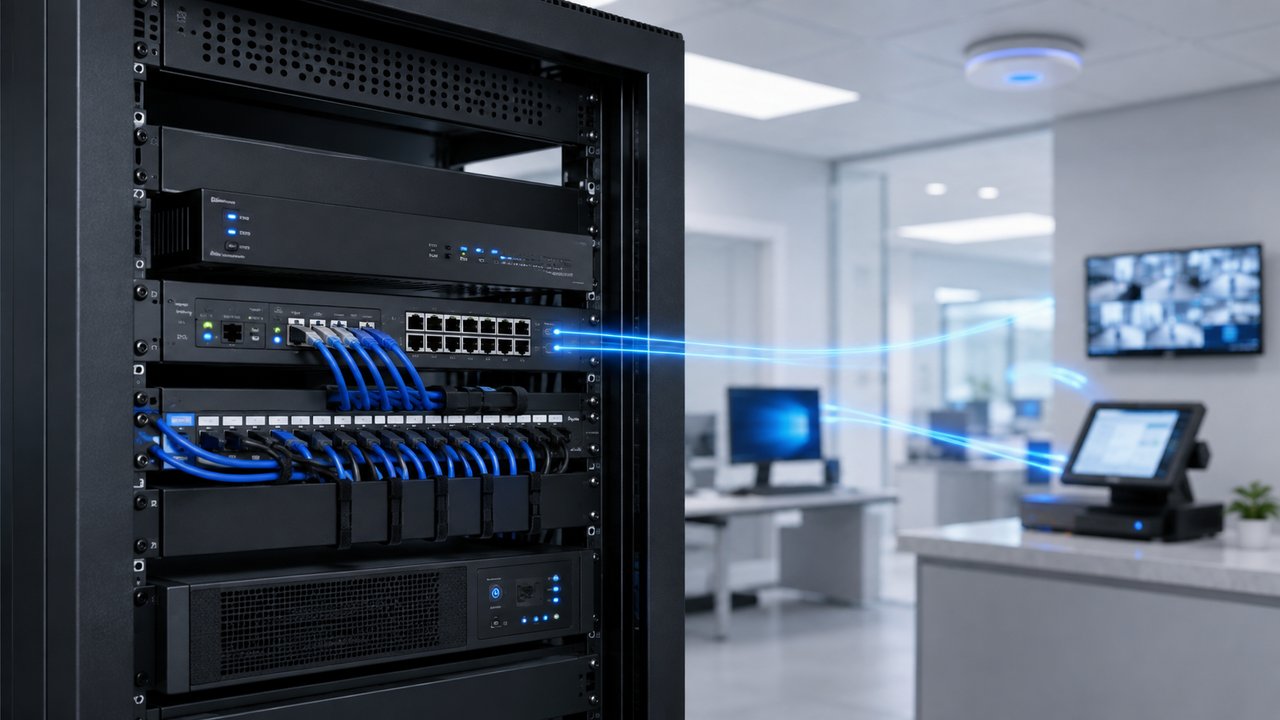
Most small businesses are running their entire network behind the same router their internet provider handed them on installation day.
It works. The internet connects. Email comes through. Nobody thinks about it again — until something goes wrong. A ransomware note on an office computer. A point-of-sale system that stops taking cards. Security camera footage that mysteriously isn’t there when you need it. An employee who can’t remotely access the office network without leaving a door wide open to do it.
By then, the question isn’t “do we need a firewall” anymore. It’s “why didn’t we have one.”
For businesses across Los Angeles, the San Fernando Valley, Ventura County, Santa Clarita, and the Antelope Valley, this is one of the most overlooked parts of a network — because it works fine right up until it doesn’t.
What a Firewall Actually Does
A firewall sits between your business network and the internet, inspecting traffic in both directions.
At the most basic level, it decides what’s allowed in and what’s allowed out. But a real business-grade firewall does much more than that:
- Blocks unauthorized access attempts from outside your network
- Filters and inspects traffic for known threats, not just obvious ones
- Separates your network into zones (VLANs) so cameras, POS systems, guest Wi-Fi, and staff devices aren’t all sitting on the same open network
- Provides secure remote access through a VPN, instead of leaving ports open to the internet
- Logs activity so you can actually see what’s happening on your network instead of guessing
- Applies rules per device group — a security camera doesn’t need the same access as an office laptop, and shouldn’t have it
The router your internet provider installed does none of this beyond very basic address translation. It was built to get a home or small office online quickly — not to secure a business network with cameras, payment systems, and remote employees on it.
Why “We’ve Never Had a Problem” Isn’t the Same as “We’re Protected”
A lot of business owners reasonably assume that because nothing bad has happened yet, their network must be fine.
The problem is that an unprotected business network usually looks completely normal — until the day it doesn’t. Most attacks aren’t dramatic. They’re automated scans that quietly probe thousands of small business networks looking for the ones with no real protection. A business doesn’t need to be a specific target to get hit. It just needs to be an easy one.
Small businesses are frequently targeted for exactly this reason — not because someone specifically wants to attack a single-location shop or office in Burbank or Santa Clarita, but because small networks are often the least defended, and attackers know it.
Signs Your Business Network Needs a Real Firewall
You may need a dedicated business firewall if any of the following sound familiar:
- You’re still using the router your internet provider gave you as your only line of defense
- Your security cameras, NVR, POS system, office computers, and guest Wi-Fi are all on the same network
- Employees need remote access to files or systems, and you’re not sure how that access is currently secured
- You have no idea what devices are actually connected to your network right now
- You’ve added devices — cameras, smart locks, tablets, POS terminals — over the years without ever reviewing how they connect
- Nobody would know if something suspicious happened on your network, because nothing is being logged or reviewed
- You operate across more than one location and need those locations to connect securely
If several of these apply, the network is very likely running on trust rather than actual security.
The Home Router Problem
Most consumer and ISP-provided routers share the same limitations:
They treat every device on the network the same way. A security camera, a laptop, and a point-of-sale terminal all sit on one flat network with no separation between them. If any single device is compromised — even something as simple as an outdated camera with a weak default password — an attacker on that device can potentially see everything else on the same network.
They also rarely get meaningful security updates, offer no real traffic inspection, and provide no visibility into what’s actually happening. You can’t review logs that don’t exist. You can’t catch a problem you have no way of seeing.
For a home network, this is often an acceptable trade-off. For a business network with cameras, payment systems, customer data, and remote employees, it usually isn’t.
VLANs: Keeping Devices in Their Own Lane
One of the most important things a business firewall enables is VLAN segmentation — splitting your network into separate, isolated zones instead of one flat network.
A well-segmented business network typically separates:
- Staff devices — computers, laptops, work phones
- Security cameras and NVRs — isolated from other traffic entirely
- Point-of-sale systems — kept away from general internet browsing
- Guest Wi-Fi — fully separated from every internal system
- IoT and smart devices — thermostats, smart locks, and similar low-security devices kept in their own zone
If a guest Wi-Fi device or an outdated smart device is compromised, proper segmentation means that compromise stays contained. It doesn’t automatically become a path into your POS system, your cameras, or your staff computers.
This is the same VLAN concept we’ve covered when it comes to business Wi-Fi design — a firewall is what actually enforces those boundaries.
Remote Access Without Leaving the Door Open
Many small businesses need employees or vendors to access systems remotely — pulling up camera footage from home, accessing files, or managing point-of-sale software after hours.
Without a proper firewall, this often gets solved by opening ports directly to the internet or using consumer remote-access software with weak security. Both approaches expose the network more than most business owners realize.
A business firewall solves this with a VPN — an encrypted, authenticated tunnel that lets the right people in without exposing the network to everyone else. It’s the difference between a locked door with a key and a door propped open because it’s more convenient.
Business-Grade vs. Consumer-Grade
Not every firewall is built the same way. There’s a real difference between a consumer router with a “firewall” feature buried in its settings and a business-grade security appliance from a platform like UniFi or Cisco.
Business-grade appliances are designed to:
- Handle the number of devices a real business actually runs
- Support VLAN segmentation properly, not as an afterthought
- Provide meaningful logging and alerting
- Support VPN access for remote employees
- Scale as the business adds cameras, locations, or staff
- Receive regular security updates
Choosing the right appliance depends on the size of the business, the number of devices, whether there’s more than one location, and what’s actually running on the network — a five-person office and a multi-location retail business with cameras at every site don’t need the same setup.
Common Mistakes We See
- Relying entirely on the ISP-provided router with no dedicated firewall
- Putting security cameras and NVRs on the same network as staff computers and POS systems
- Opening ports directly to the internet for remote camera or system access instead of using a VPN
- Installing a firewall once and never reviewing rules, logs, or firmware again
- Assuming a “no problems so far” track record means the network is secure
Any one of these on its own might not cause an issue. Together, they’re how small businesses end up exposed without realizing it.
How NaMiSmart Approaches Business Network Security
A firewall isn’t something we drop in and walk away from. It’s part of the same network design process we use for business Wi-Fi, structured cabling, and security camera systems — because a firewall configured in isolation, disconnected from how the rest of the network is actually built, doesn’t protect much.
That process typically includes:
- Reviewing what’s actually on the network today — devices, systems, and how they connect
- Selecting a business-grade firewall appliance sized correctly for the business
- Segmenting the network with VLANs so cameras, POS systems, guest Wi-Fi, and staff devices are properly isolated
- Setting up secure VPN access for anyone who needs remote connectivity
- Configuring monitoring and logging so problems are visible, not invisible
- Ongoing maintenance — firmware updates, rule reviews, and support as the business changes
Need Help Securing Your Business Network in Los Angeles?
NaMiSmart designs, installs, and maintains business-grade firewalls and network security alongside Wi-Fi, structured cabling, and security camera systems across Greater Los Angeles, the San Fernando Valley, Ventura County, Santa Clarita, the Antelope Valley, and Orange County.
If your business is still running on the router your internet provider installed, or you’re not sure what’s actually connected to your network, request an estimate and tell us about your setup. We can help you figure out whether you need a dedicated firewall, proper network segmentation, secure remote access, or a full network security review.
FAQ
What’s the difference between my ISP router and a business firewall?
The router your internet provider gives you is built to get you online, not to secure a business network. A dedicated business firewall actively inspects traffic, blocks intrusions, separates devices into secure zones, and gives you visibility into what’s happening on your network — features a consumer ISP router doesn’t have.
Do I need a firewall if I already have antivirus on my computers?
Antivirus protects individual devices after something reaches them. A firewall protects the network itself, stopping threats before they reach any device — including ones antivirus software isn’t installed on, like security cameras, NVRs, POS terminals, and smart devices.
Can a firewall protect my security cameras and POS system too?
Yes. A properly configured firewall can segment your network so cameras, NVRs, point-of-sale systems, guest Wi-Fi, and staff devices are isolated from each other on separate VLANs. If one device or network segment is compromised, it doesn’t automatically expose everything else.
How much does a business firewall cost?
It depends on the size of the business, the number of devices, and whether you need advanced features like VPN remote access or multi-site connectivity. Small offices typically need a smaller appliance than a multi-location business or a property with dozens of cameras and IoT devices.
Is a firewall a one-time purchase, or does it need maintenance?
Both the hardware and the configuration need upkeep. Firmware and threat definitions should be kept current, rules should be reviewed as your business changes, and logs are worth checking periodically. A firewall that’s installed once and never touched again loses much of its value over time.
Does NaMiSmart install and maintain business firewalls?
Yes. NaMiSmart designs, installs, and maintains business-grade firewalls alongside networking, structured cabling, Wi-Fi, and security camera systems, so the whole network — not just one piece of it — is built and secured as one system.