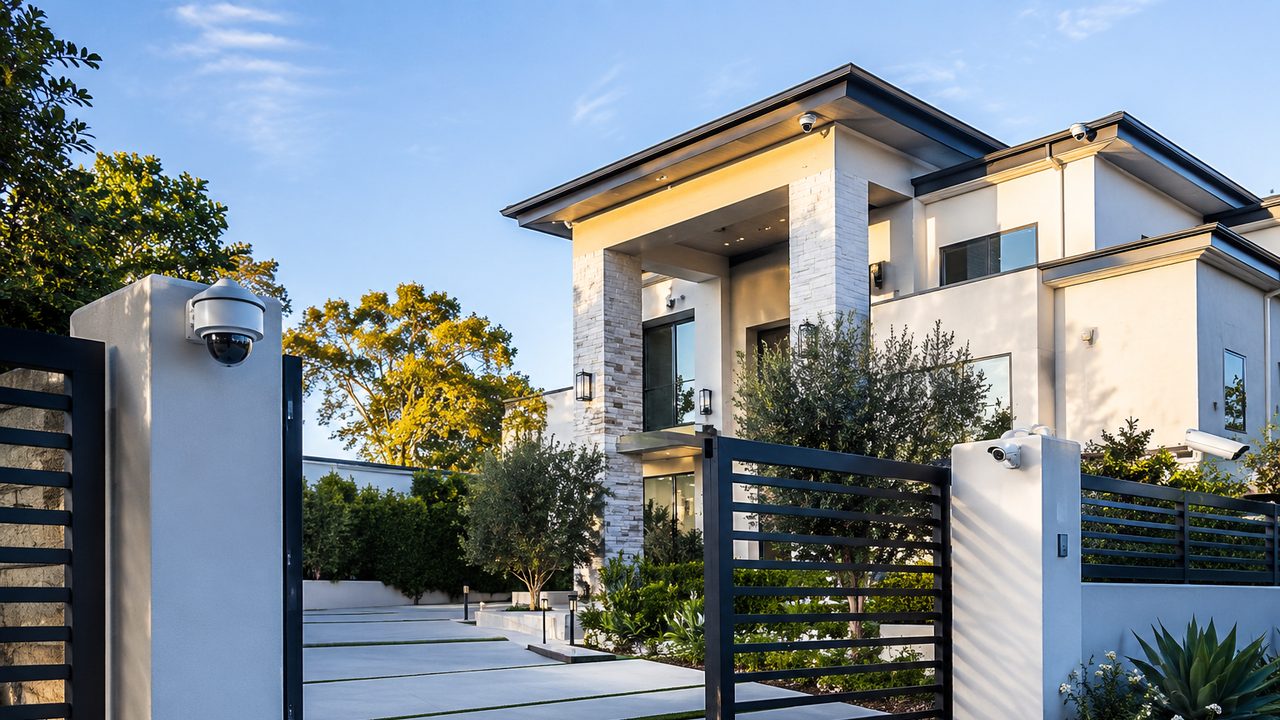
If you’ve had a security camera for more than a week, you already know the feeling: your phone buzzes, you check it, and it’s a shadow. Or a moth. Or a car that drove by on the street forty feet from your porch. After the tenth notification in an afternoon, most people do one of two things — mute the app, or turn alerts off entirely. Either way, the camera stops doing the one thing it’s there for.
That’s not a camera problem. It’s a detection problem, and it comes down to what the camera is actually looking for.
Why Plain Motion Detection Alerts on Everything
Basic motion detection works by comparing pixels between video frames. When enough pixels change from one frame to the next, it counts as “motion” and fires an alert. That’s it — there’s no understanding of what caused the change.
Which means all of the following register the same as a person walking up your driveway:
- A tree branch or bush moving in the wind
- A cloud shifting and changing the light across the frame
- Headlights sweeping across a wall or fence at night
- Rain, snow, or bugs near the lens
- A cat, raccoon, or bird passing through frame
- A car driving by on the street, not even entering your property
None of that is a flaw in a specific camera brand — it’s a limitation of how basic motion detection is built. It can tell you that something changed. It can’t tell you what.
What AI Detection Actually Does Differently
AI detection (sometimes called smart detection, person/vehicle detection, or object classification) adds a layer of analysis on top of motion sensing. Instead of just flagging pixel changes, it runs the moving object through a model trained to recognize specific categories — most commonly people and vehicles, with many newer systems also picking out animals, packages, or faces.
In practice, that means the camera can tell the difference between “a person walked into frame” and “a shadow moved across the driveway,” and only send a notification for the first one. Some systems process this directly on the camera or a local NVR — the same setup we cover in our post on cloud vs. local storage for security cameras — while others send the video to the cloud for analysis. Either way, the result is the same goal: fewer, more meaningful alerts.
Where the Difference Actually Shows Up
The gap between plain motion and AI detection is most obvious in exactly the spots homeowners struggle with most:
- Cameras facing the street — a driveway or front-yard camera with a clear view of passing traffic can generate dozens of false motion alerts a day; AI detection filters out every car that isn’t actually turning into your driveway
- Nighttime coverage — headlight sweep and infrared glare are two of the biggest sources of false motion alerts after dark, and AI detection handles both far better than raw pixel comparison
- Windy or landscaped yards — trees, bushes, and hanging plants are a constant source of false triggers for motion-only systems
- Properties with regular animal traffic — a backyard with visiting cats, raccoons, or birds turns into a nonstop notification feed without detection that can tell an animal from a person
If any of that sounds familiar, it’s usually not that the camera is bad — it’s that it was never told what to actually look for.
It’s Not Just About Fewer Notifications
Cutting down false alerts matters for a reason beyond convenience: alert fatigue is a real security gap. When a camera sends ten notifications a day and nine are nothing, people stop checking the tenth one closely — or stop checking at all. A system that only alerts on people and vehicles keeps every notification worth paying attention to, which is the entire point of having alerts in the first place.
It also makes reviewing footage faster. Instead of scrubbing through hours of recorded motion events to find the one that matters, AI-tagged events let you search and filter by “person” or “vehicle” directly, cutting review time from minutes to seconds.
What to Look For When Choosing a System
Not all “AI detection” marketing means the same thing under the hood. A few things worth asking about before buying:
- Where the processing happens — on the camera, on a local NVR, or in the cloud — since that affects both cost and whether an internet outage takes detection down with it
- What categories it actually distinguishes — person and vehicle is the baseline; package, animal, and facial recognition are add-ons some systems include and others don’t
- Whether it requires an ongoing subscription — some platforms bundle AI detection into the hardware price, others gate it behind a monthly plan
- How it performs at night, since detection accuracy depends heavily on the camera’s low-light and infrared quality, not just the AI model itself
How NaMiSmart Approaches This
We design every camera system around actual coverage needs, not just spec sheets — AI people and vehicle detection is one of the core features we build into residential and commercial systems, tuned to the property rather than left on default settings. You can see how it fits alongside 4K resolution, 180° dual-lens coverage, and NVR/VMS recording on our security camera systems page.
If you’ve already got cameras and they’re burying you in false alerts, that’s often solvable without replacing the whole system — sometimes it’s a firmware update, sometimes it’s a placement or sensitivity adjustment, and sometimes the hardware genuinely can’t do it and needs an upgrade. We’ll tell you honestly which situation you’re in.
Get a Free Camera Assessment in Los Angeles
NaMiSmart designs and installs AI-enabled security camera systems for homes and businesses across Burbank, the San Fernando Valley, Ventura County, Santa Clarita, the Antelope Valley, and Orange County. If your current cameras are more noise than signal, request an estimate and we’ll take a look at what you have and what it would take to fix it.
FAQ
What’s the difference between AI detection and regular motion detection?
Plain motion detection triggers on any change in pixels — a shadow moving, a tree branch swaying, a bug crossing the lens, headlights sweeping across a wall at night. AI detection analyzes what’s actually in the frame before sending an alert, distinguishing people, vehicles, and sometimes animals or packages from everything else that isn’t worth a notification.
Does AI detection require a subscription?
It depends on the camera and platform, not on AI detection itself. Some systems process detection on the camera or local NVR at no ongoing cost (UniFi Protect is a common example), while others run the AI analysis in the cloud and tie it to a subscription plan. We can tell you which category a given system falls into before you buy.
Will AI detection eliminate false alerts completely?
It won’t hit zero, but it typically cuts false alerts dramatically — often by 80-90% compared to plain motion detection. A large dog can occasionally get flagged as a person at a distance, and heavy rain or fog can still confuse detection. What it reliably eliminates is the constant noise from wind, shadows, small animals, and headlight sweep, which is the bulk of what floods a typical motion-alert inbox.
Does AI detection work at night or in bad weather?
Modern AI detection generally performs well at night when paired with a camera that has decent low-light or infrared performance — the AI is only as good as the image it’s analyzing. Heavy rain, dense fog, or very poor lighting can reduce accuracy, though it still typically outperforms plain motion detection in the same conditions.
Can I add AI detection to cameras I already own?
Sometimes, depending on the camera and NVR. Some existing systems can gain AI detection through a firmware or NVR software update; others need a hardware upgrade because the processing has to happen on a chip built for it. We can evaluate what you already have and tell you honestly whether an upgrade path exists or a new camera is the better call.
Is AI detection only useful for catching intruders?
No — most of its day-to-day value is filtering noise, not catching crime. The bigger everyday win is not getting a phone notification every time a car passes on the street or a cat walks through the yard, so the alerts you do get are ones actually worth looking at.